
No Conversion or Output Limits
Convert and download as many YouTube videos as you need without daily limits.
Easily turn YouTube videos into MP3 online. Paste any YouTube URL into our free YouTube to MP3 converter and download lossless MP3 files in seconds.
Parse the video first, then extract MP3 audio instantly.
Please ensure your downloads comply with copyright laws.This tool does not support converting copyrighted music.Legal & Non-Commercial Use Only
By using this tool, you acknowledge that downloaded audio is strictly for personal, educational, or fair use. Processing copyrighted music is prohibited and may be blocked by our system.
More Tools
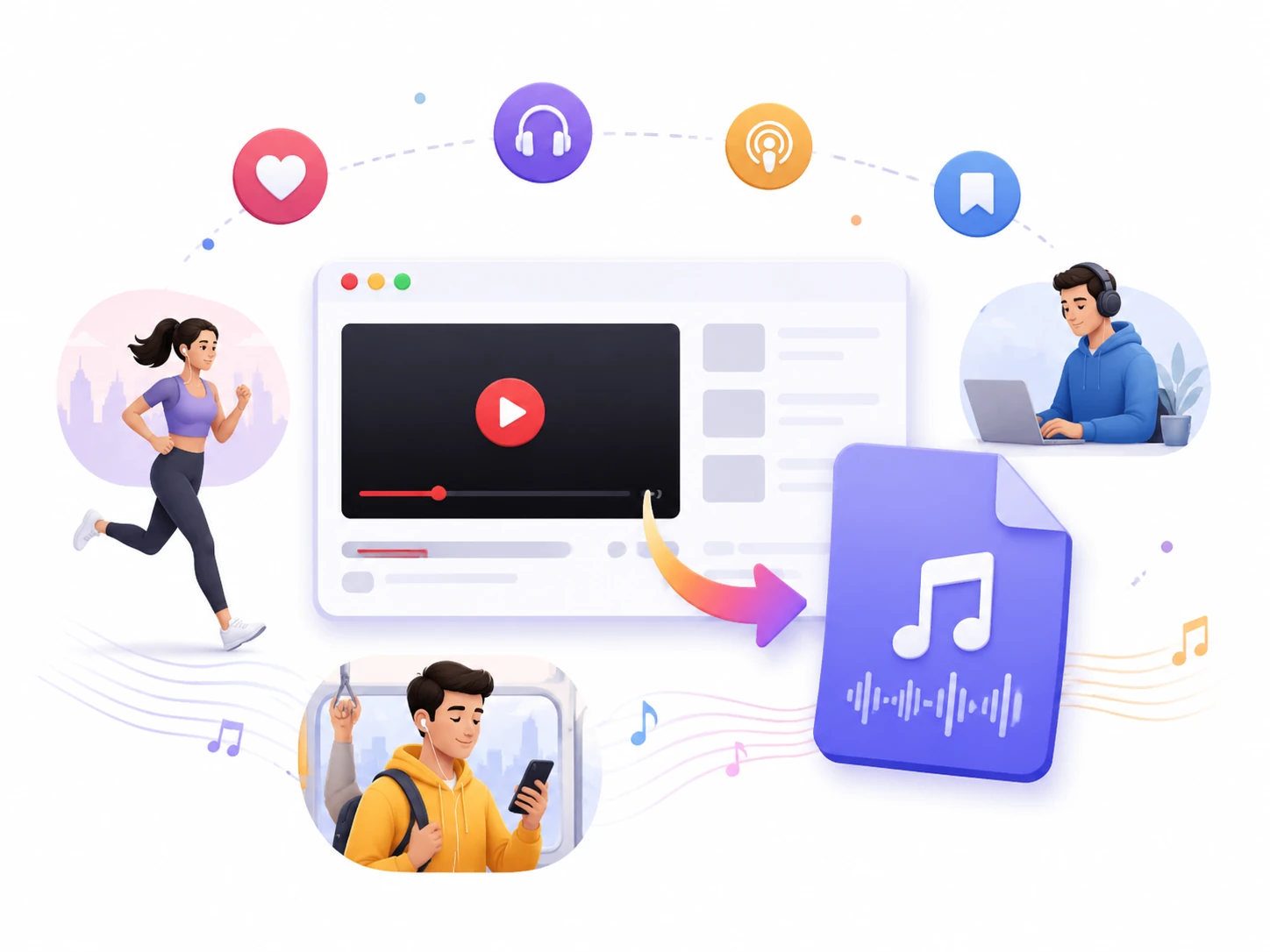
Our free tool provides YouTube to MP3 service that combines speed, audio quality, compatibility, and ease of use in one solution.
Convert and download as many YouTube videos as you need without daily limits.
Enjoy quick conversions with a smooth experience, even when processing longer videos.
Get clear and detailed audio with support for MP3 files up to 320kbps.
Handle a wide range of YouTube content, including songs, podcasts, lectures, and more, using the same workflow.
Convert YouTube videos to MP3 in just a few steps. No unnecessary downloads or intrusive pop-ups.
Your personal data remains private. We never access, view, or collect your YouTube account information.
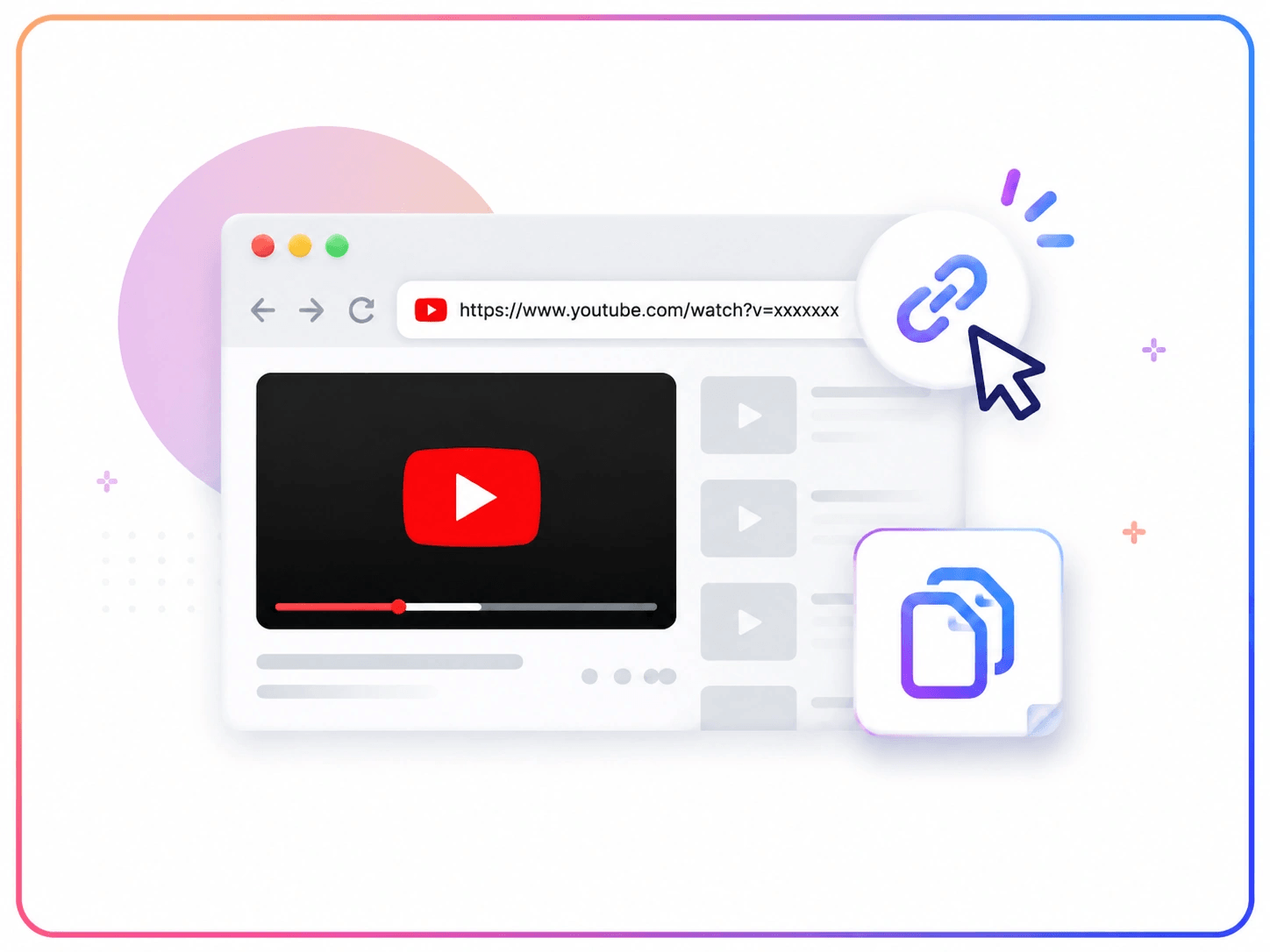
Follow three simple steps to turn your favorite YouTube videos into MP3 audio files.
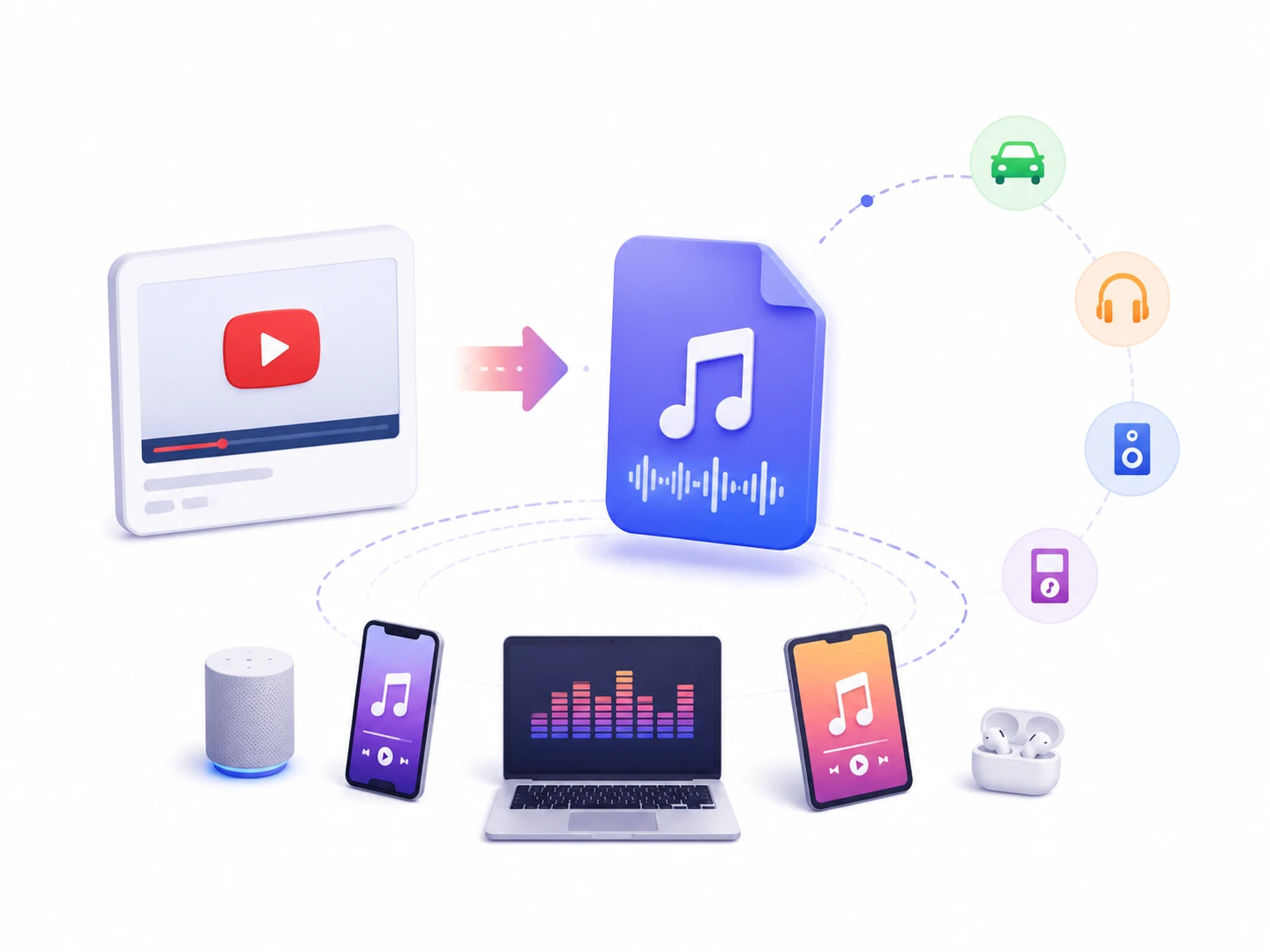
Not all devices or media players support YouTube videos and there might be compatibility problems. MP3 remains a popular audio format because it works smoothly with almost any device and player. When you only need the audio from a YouTube video, an MP3 file is often a more practical choice. It takes up less storage space than a video file to manage, transfer, and play across different devices.
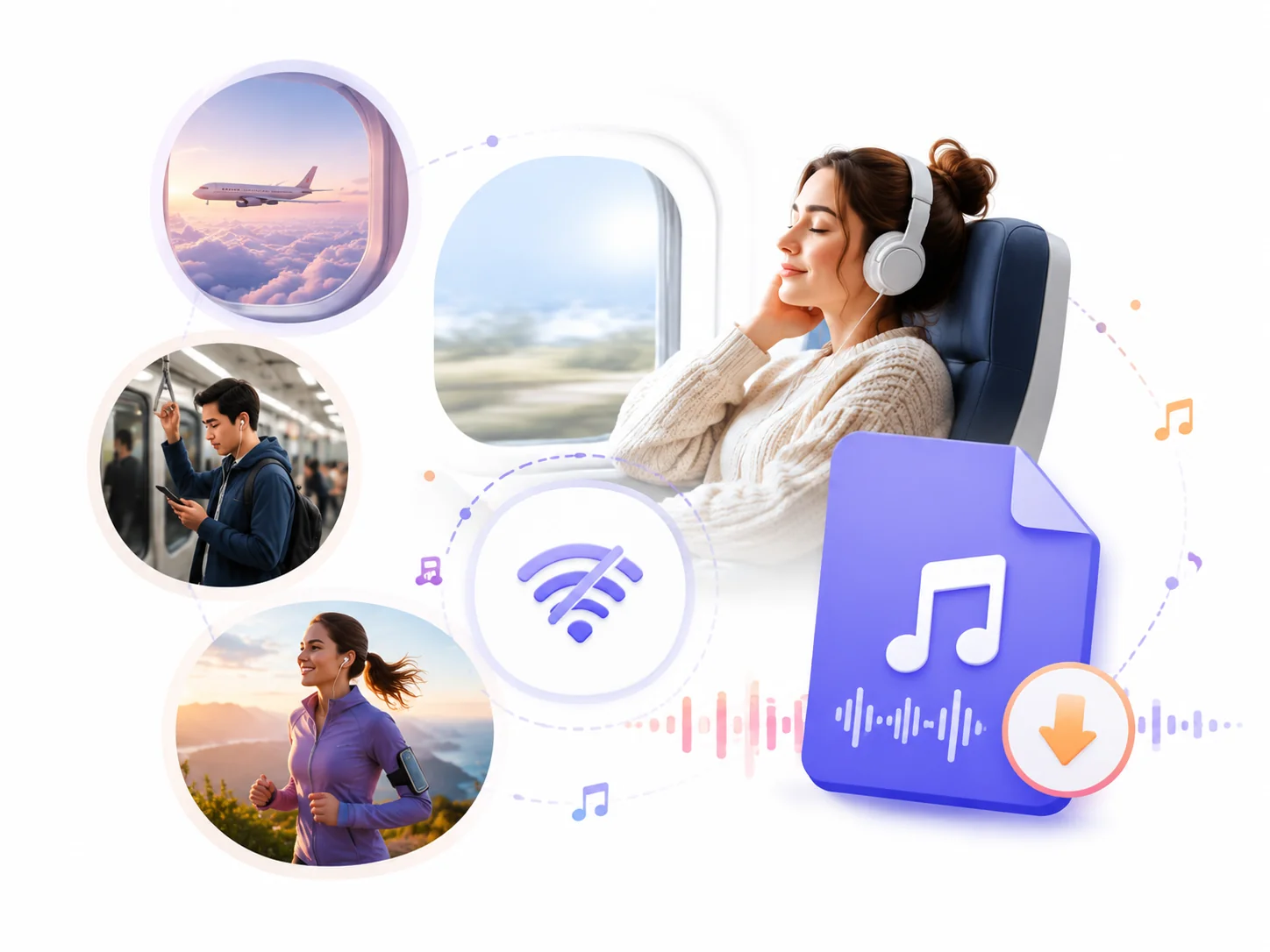
Internet access is not always available when you want to enjoy your favorite content. During a flight, a long commute, or in areas with a weak connection, online activities may become inconvenient or interrupted. Having your favorite content available as MP3 files gives you an easier way to pass the time with music, podcasts, or other audio you enjoy.
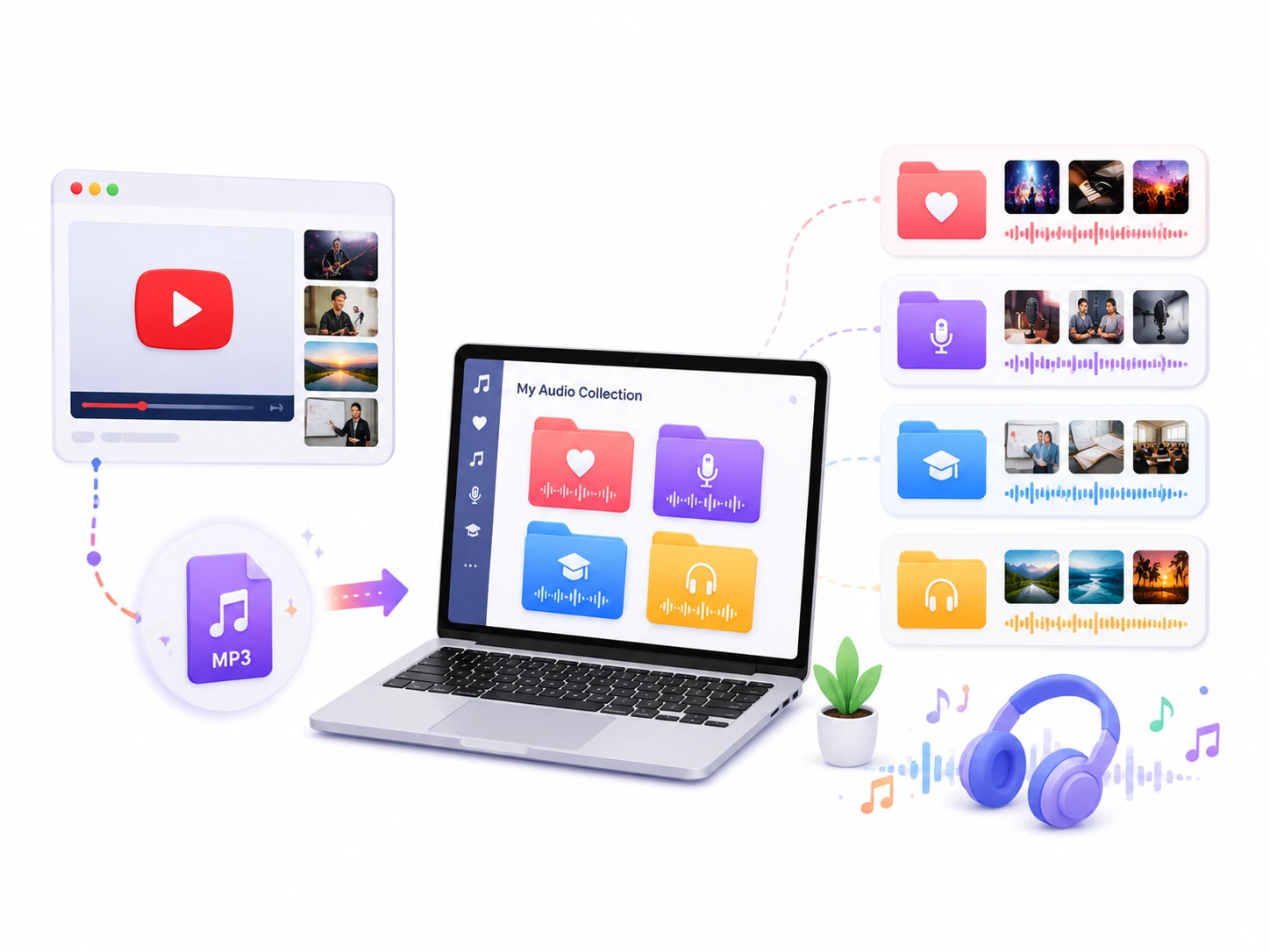
You can discover valuable music, interviews, podcasts, and educational content on YouTube. Over time, these favorite videos can become scattered across different playlists and channels, which makes it difficult to organize and manage the content you want to keep. With a YouTube to MP3 tool, you can sort your audio files by category and create collections based on personal interests. It is a more organized way to manage and find specific content in the future.
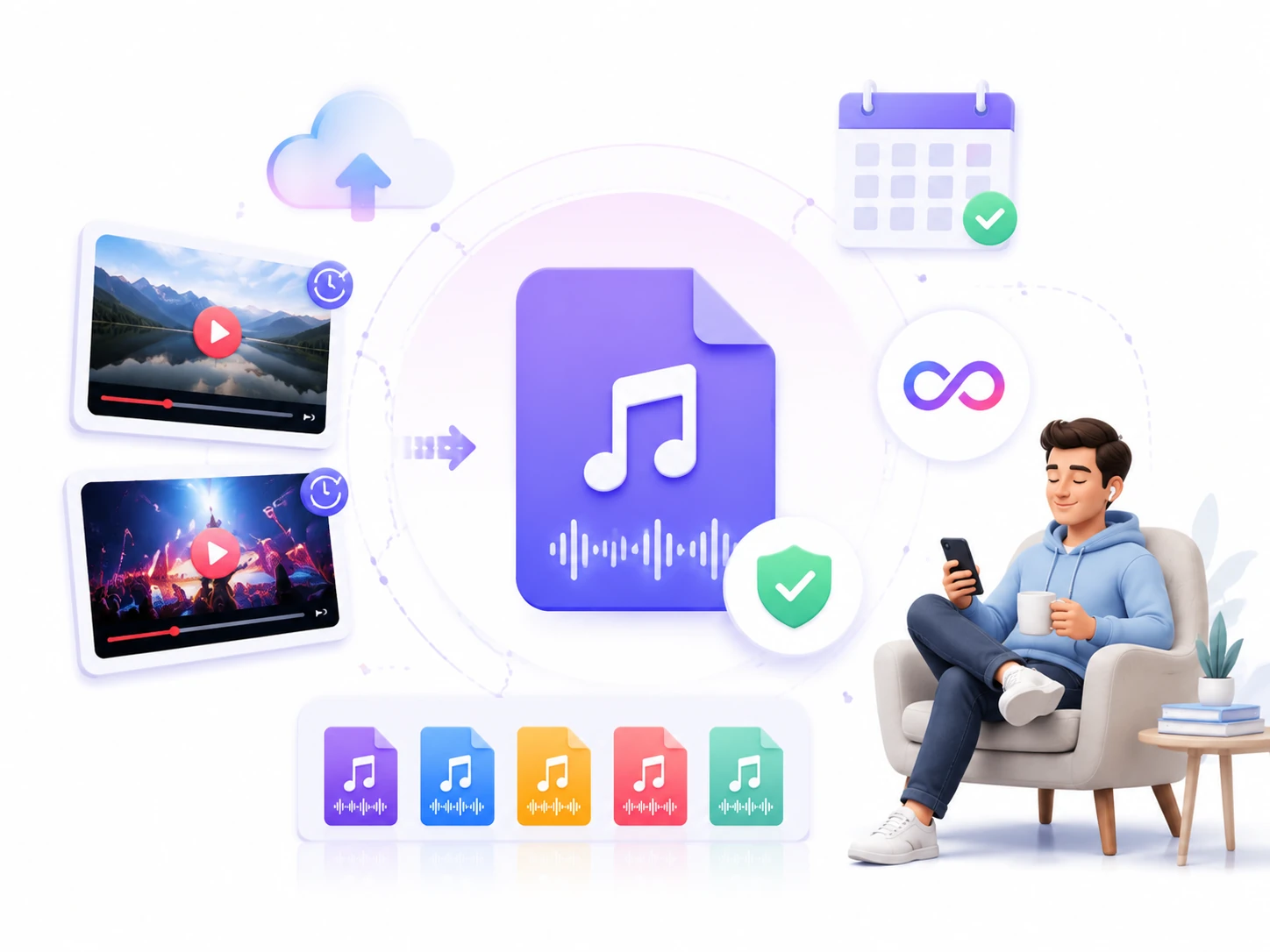
YouTube content can change over time. A video you enjoy today may become unavailable later because it is removed by the creator, taken down from the platform, or no longer accessible for various reasons. You can keep the audio file on your own device if you transform YouTube videos into MP3. It is no longer affected by changes to the original content. Your downloaded MP3 files remain available as long as you choose to keep them.
Our free YouTube to MP3 tool has earned a reputation among users worldwide. Discover what they say about their experience.
My daily commute takes almost an hour, so I like listening to interviews and podcasts on the way. This converter helps me turn YouTube videos into audio files quickly.

Priya Sharma
Marketing Manager
Read these guidelines to ensure responsible and lawful use of our YouTube to MP3 converter.
Make sure you have the necessary rights before converting, especially when the material belongs to another creator or copyright holder.
Make sure you have the necessary authorization before using, sharing, or distributing copyrighted content.
Use this converter in accordance with YouTube's Terms of Service and applicable laws.
Show your support by watching the original video on YouTube, leaving a like, and subscribing to the creator's channel.
Find answers to common questions about our YouTube to MP3 converter, including how it works, supported formats, audio quality, safety, and other details about the conversion process.
A YouTube to MP3 converter can extract audio from YouTube videos and convert it into an MP3 file.
Yes. This tool is completely free. We don't require a credit card, paid subscription, or account registration. Open this tool in your browser and experience unlimited conversion.
The audio quality depends on the original YouTube video and its audio source. You can download MP3 up to 320kbps, the highest bitrate that keeps every detail.
Absolutely. The tool can process many types of YouTube videos, including longer content. The conversion time may vary depending on the video length, file size, and network conditions.
Yes. You can convert YouTube Shorts and playlists to MP3. Simply paste the URL and follow the conversion steps to complete the process.
No. While YouTube Premium offers offline viewing in supported regions, those downloads may expire later. Our free converter allows you to save YouTube content as MP3 files on your device.
Common problems: an invalid link, unavailable video content, network issues, or temporary technical issues. Check that the URL is correct and try again later if the issue continues.
Yes. If you prefer video files instead of audio-only MP3 files, a video download tool can be a better choice for your needs.
We take your privacy and security seriously, and our software does not install malware or viruses on your device. We do not include anything intended to harm your system or compromise your personal information.
Always respect copyright rules and make sure you have permission before downloading, using and sharing. Please review our responsible use and copyright guidelines carefully before converting videos.