
10 Best Video Summary Tool You Should Try (2026 Updated)
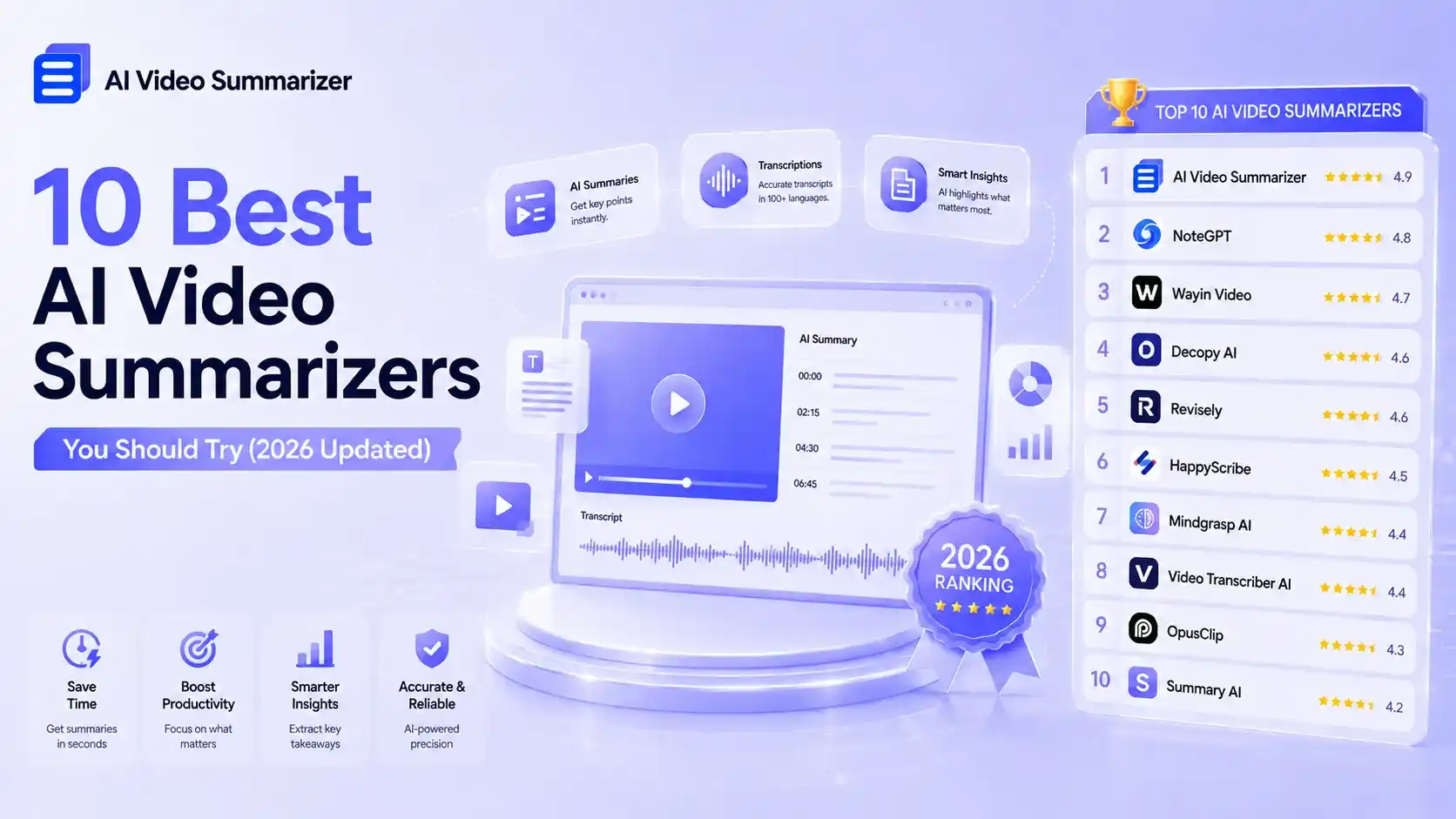
Have you ever spent one or two hours watching a YouTube video, only to realize that the most valuable part was just a few minutes long? The rest of the time is often filled with repeated points, unnecessary content, and long introductions. That's why video summary tool has become so useful. They help summarize and extract key information from long videos, so the value of a video is no longer buried in the timeline.
This guide reviews some of the popular video summarization Tools on Google, not only analyzing their pros and cons, but also focusing on a key question: which video summarization method is actually best suited to your work and learning habits?
Summarize Videos Online for Free
Why You Need AI Video Summary Tools in 2026?
As interviews, online courses, and podcasts increasingly run 60, 90, or even 120 minutes, the demand for a reliable video summary tool keeps growing:
- Don't need to watch 60–120 minute videos in full to get the key information
- Understand the core ideas of courses or interviews faster
- Quickly filter valuable information from large amounts of content
- Structured summaries make important content clearer and easier for later organization, note-taking, and reuse In other words, AI video summarization tools are no longer just a convenience or an extra feature, but are increasingly becoming an essential way for people to learn, organize, and reuse information.
10 Best Video Summary Tools for Long Videos: Full Reviews & Comparison
1.AI Video Summarizer — Best for 100% Free, No Login AI Summarization
What Makes It Different:
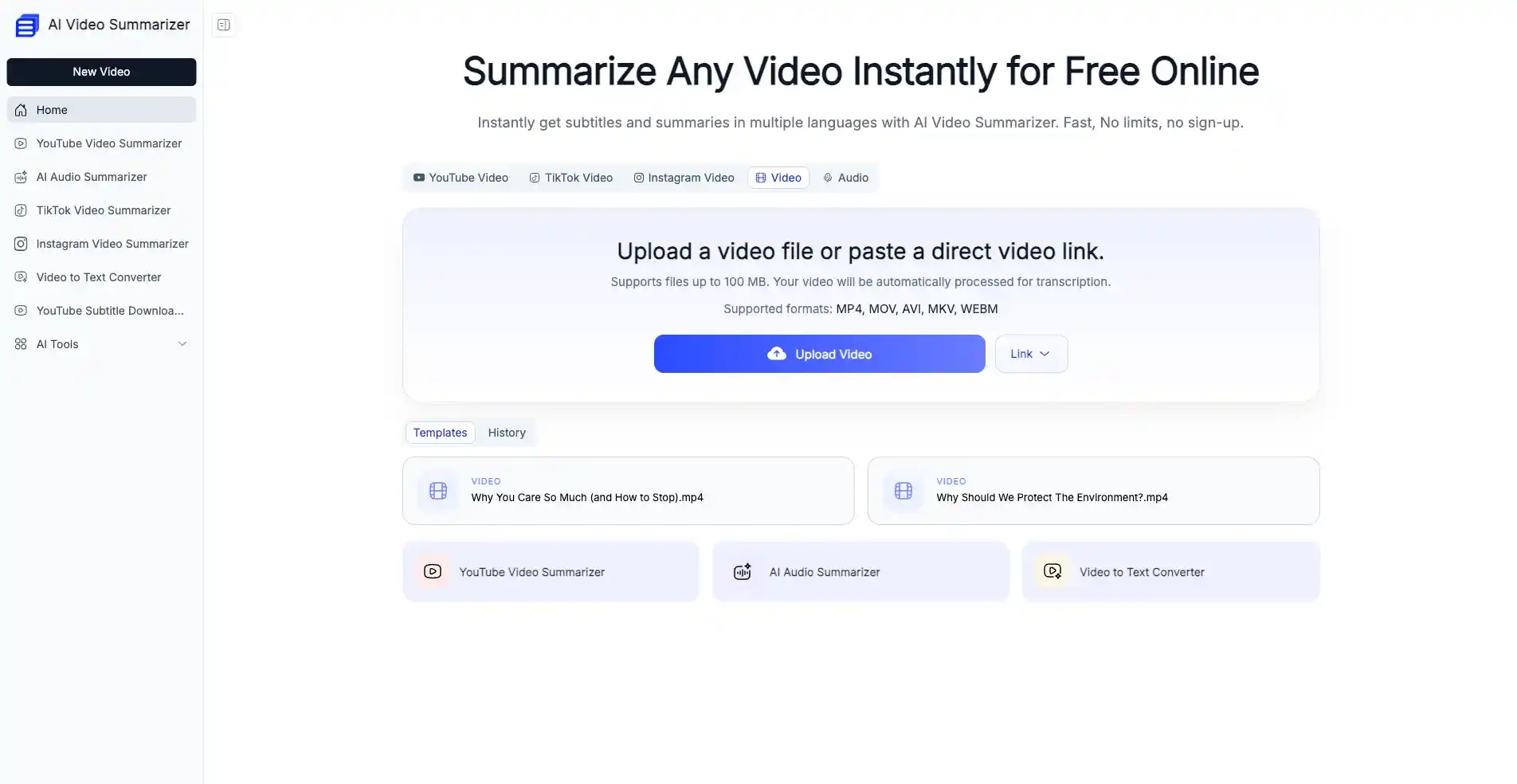
AI Video Summarizer is focused on video summarization, supporting long-form content from platforms like YouTube, TikTok, and Instagram. It can process videos up to 100MB. It is completely free to use and requires no login. For users who value simplicity and work heavily with media platforms, it is a practical solution.
Pros:
- 100% free, accessible online with no registration required, and compatible with both mobile and desktop
- Supports video summarization from major platforms like YouTube, TikTok, and Instagram, with no extra downloads needed
- Supports multiple video formats including MOV, MP4, AVI, and more
- Supports summarization and output in multiple languages
- Offers 5 different export formats
- Provides 30+ summary templates for different video types
- Supports custom prompts to generate personalized summaries
Cons:
- Does not support batch processing
- The generated summaries are not editable
2.NoteGPT — Best for Interactive Learning from Video Summaries
What Makes It Different:
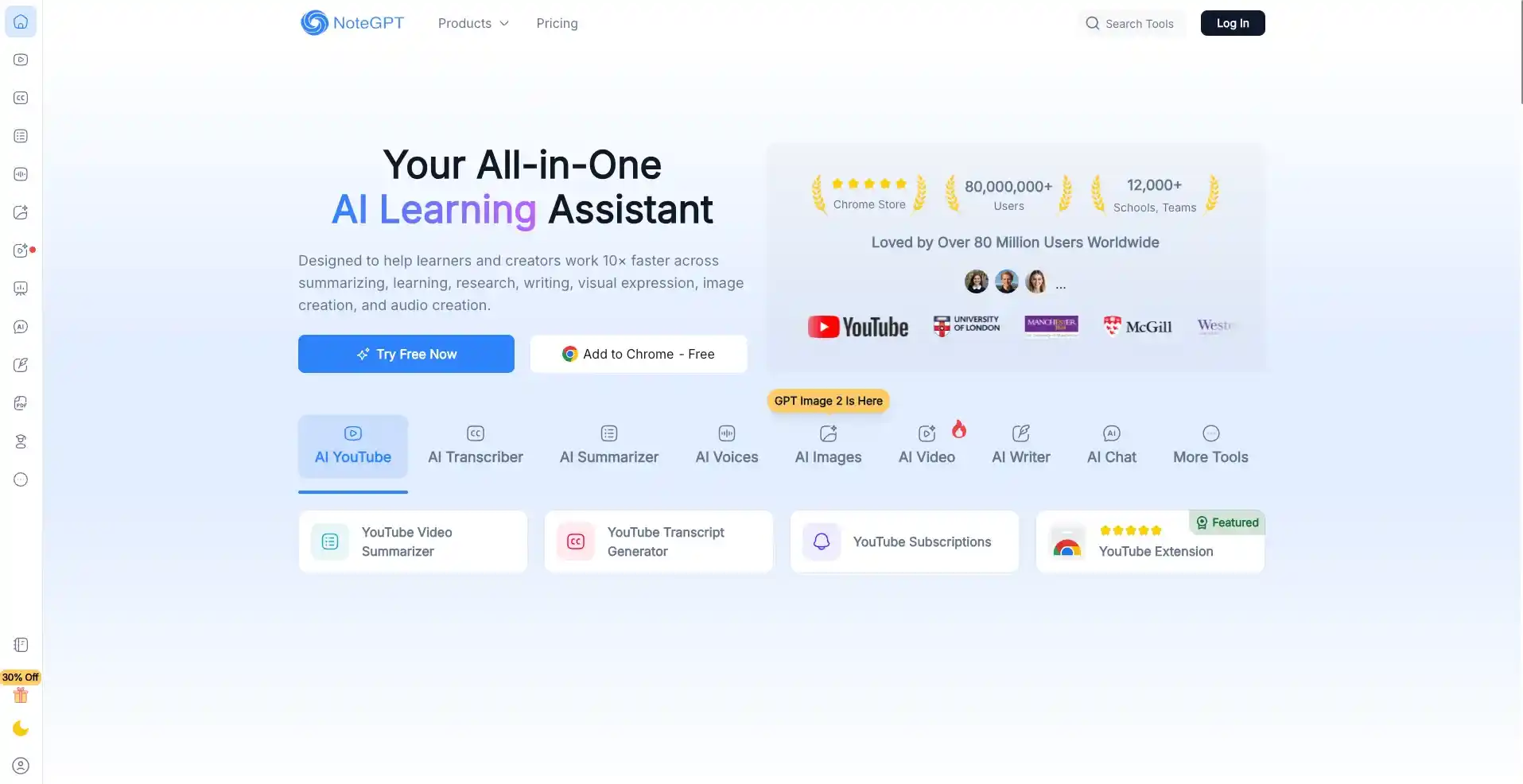
NoteGPT doesn't just summarize your videos, more importantly, it makes the summarized content interactive. It introduces an AI Chat feature, allowing you to ask questions about any part you don't understand at any time, and it also supports generating infographics, quizzes, mind maps, flashcards, and more. It focuses more on what you do with the summary afterward. For teachers and students, it is a fully integrated learning assistant.
Pros:
- Supports large file summarization up to 5GB
- Supports batch processing of up to 20 videos at the same time, improving efficiency compared to traditional workflows
- Customizable accuracy levels: low, medium, and high
- Includes additional learning features such as mind maps, quizzes, infographics, and more, enhancing the reuse of summarized content
Cons:
- Free usage is limited
- The provided summary templates generate similar outputs, making it difficult to cover a wide range of video types
3.Wayin Video — Best for Instant Browser-Based Video Summarization
What Makes It Different:
In addition to using its video summary tool on the web, Wayin Video also offers a Chrome extension. With this extension, you can instantly get summaries of different types of videos. It is especially convenient for daily movie commentary videos and real-time online meetings.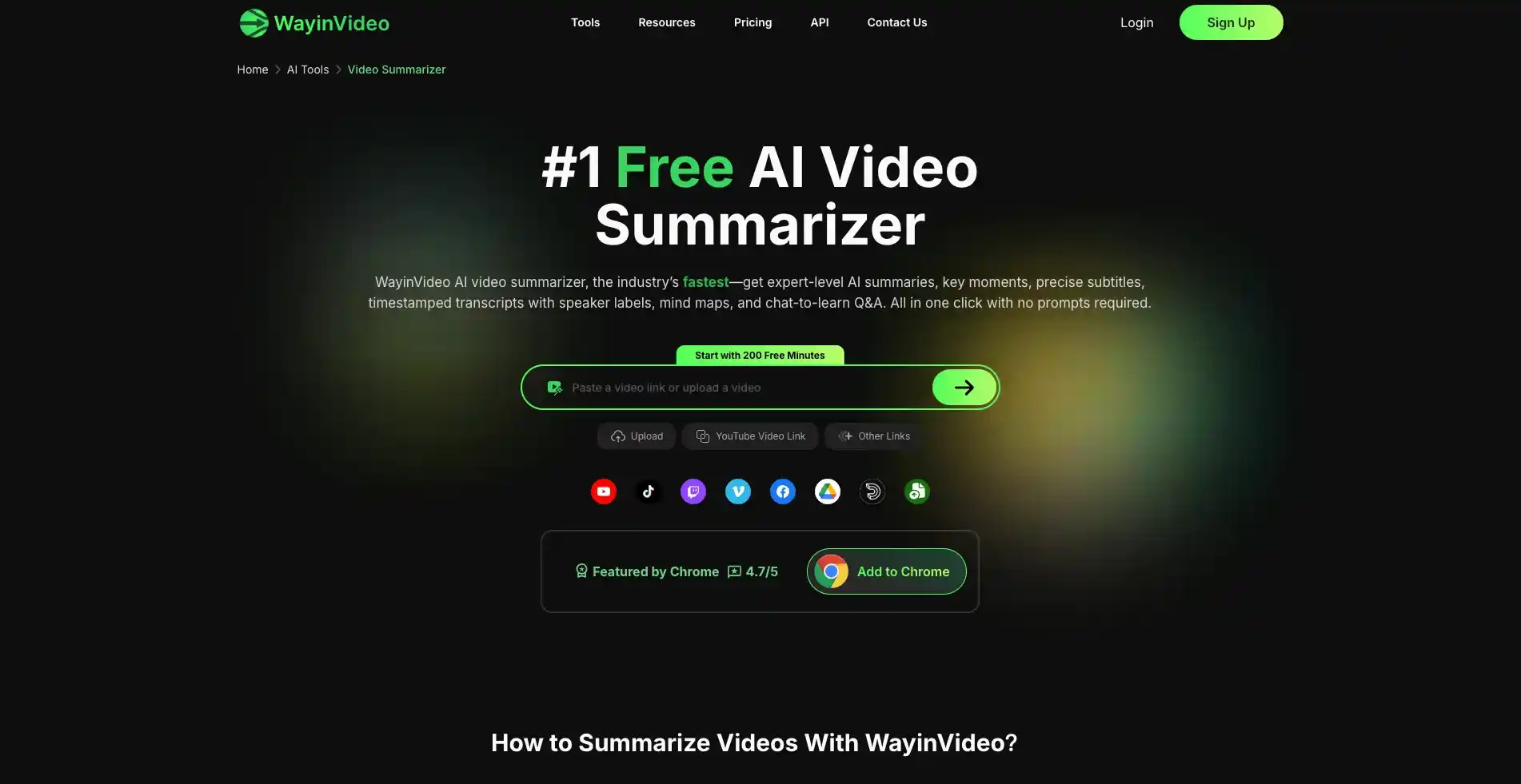
Pros:
- Breaks down the video by timeline and summarizes different time segments
- Supports extracting video highlights, especially suitable for trending videos on TikTok or YouTube
- Users can earn credits or free usage time by sharing and inviting friends
Cons:
- The processing speed is relatively slow.
- Limited download formats, only TXT and Markdown are supported
4.Decopy AI — Best for Simple and Fast Video Summarization
What Makes It Different:
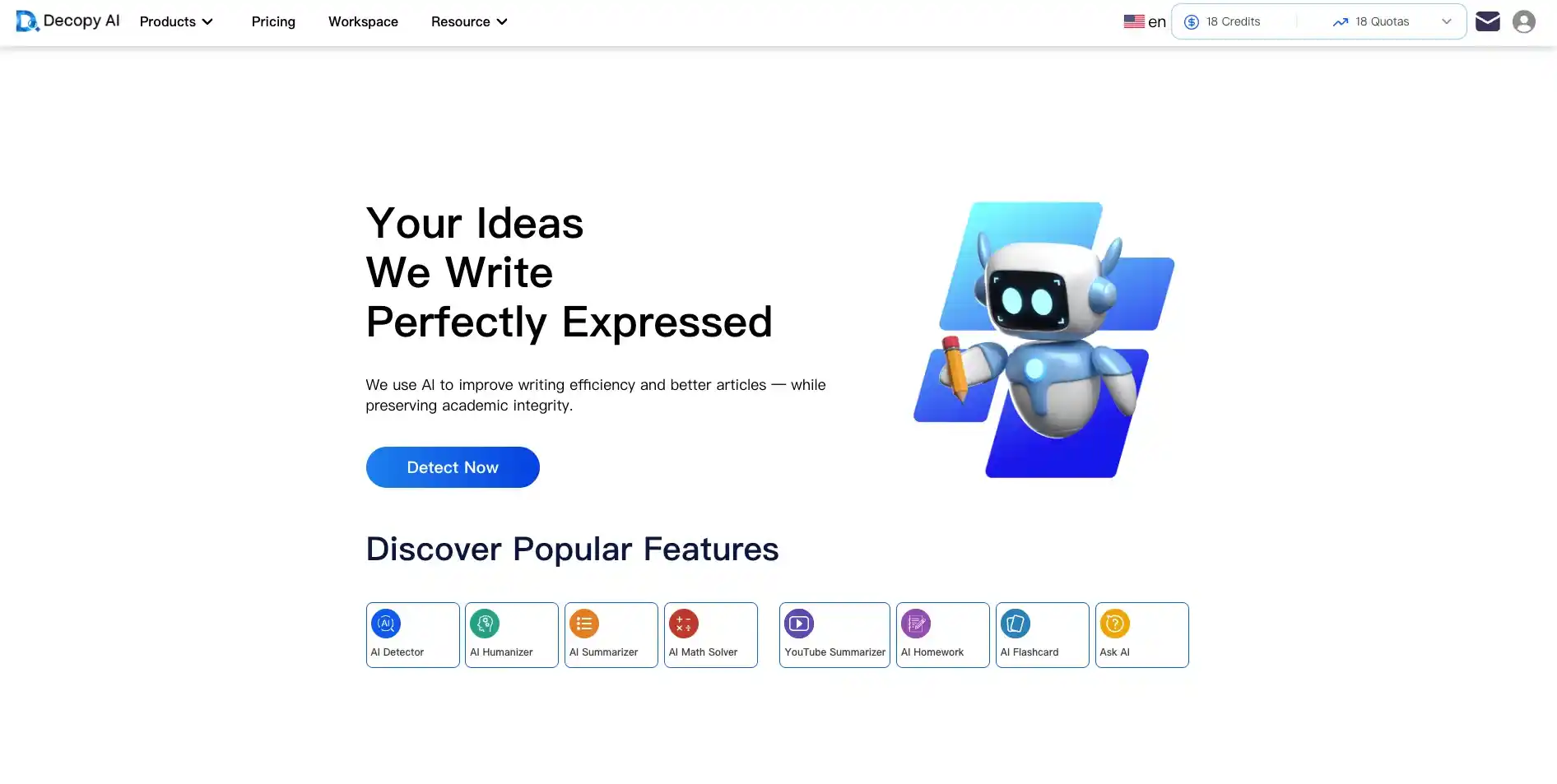
Decopy AI focuses on lightweight video summarization, with an emphasis on speed and ease of use. Even for free users, it offers generous usage limits. It also supports multiple language outputs and provides several common templates for everyday video summarization needs.
Pros:
- The summaries are accurate and cover multiple dimensions, including timelines, key information, and FAQs
- Provides timestamped transcripts and allows users to select specific sections for summarization
- Includes an AI chat feature to answer questions about the summary at any time
Cons:
- Limited number of summary templates
- Exported content can sometimes appear messy
5.Revisely — Best for Fully Customizable Summary Editor
What Makes It Different:
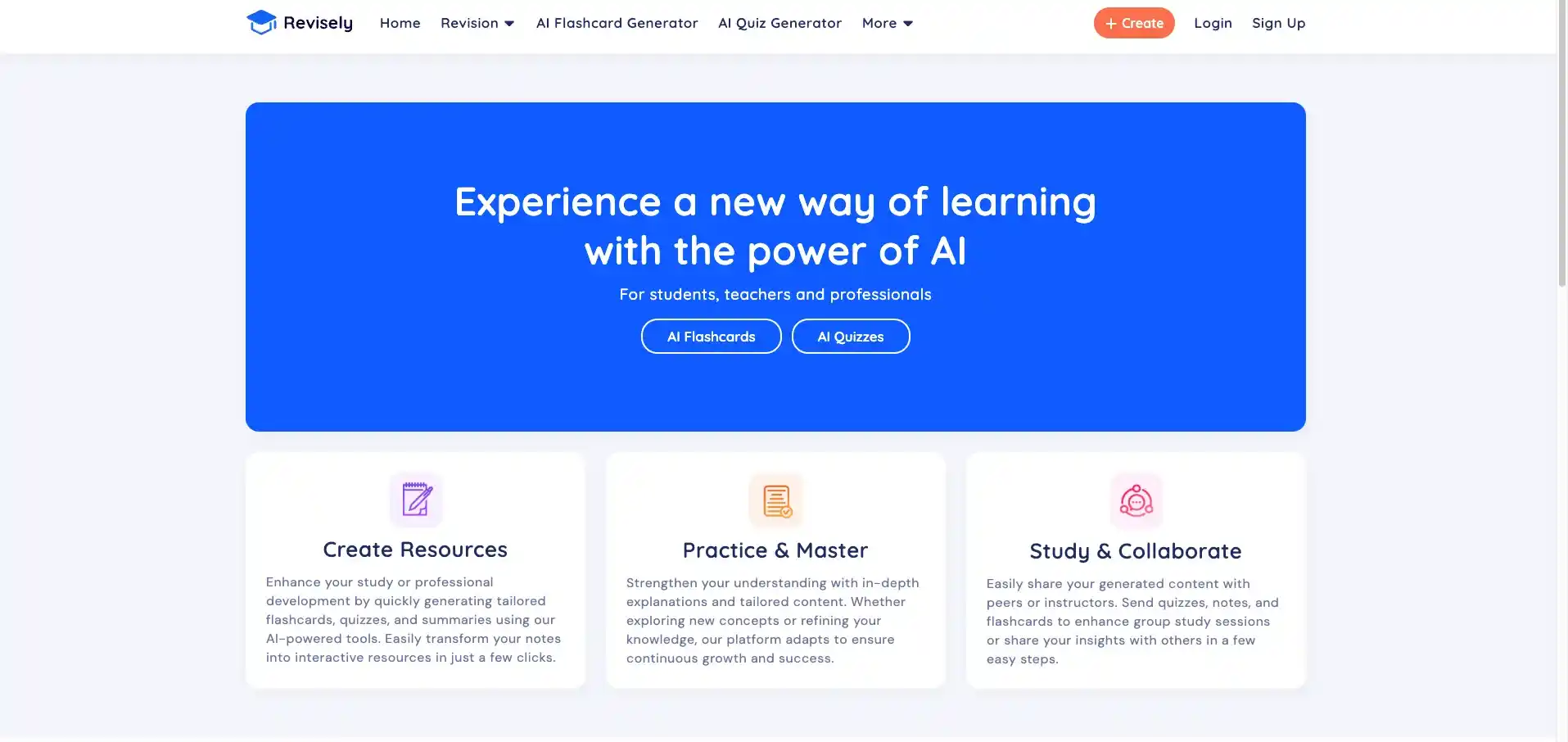
Revisely AI focuses more on flexibility and editing rather than rigid templates. You can freely select headings or paragraphs to shorten, expand, or rewrite them in different ways, and generate notes based on your highlights. For students, it is an effective way to learn and review online courses.
Pros:
- Flexible editing, including rewriting, translation, and style changes
- Save custom notes for easy review and revision
- Available online with no login required
Cons:
- Generated summaries do not include timestamps and cannot be verified against the video
- No download option and no document export support
6.HappyScribe — Best for Human-AI Verified Video Summaries
What Makes It Different:
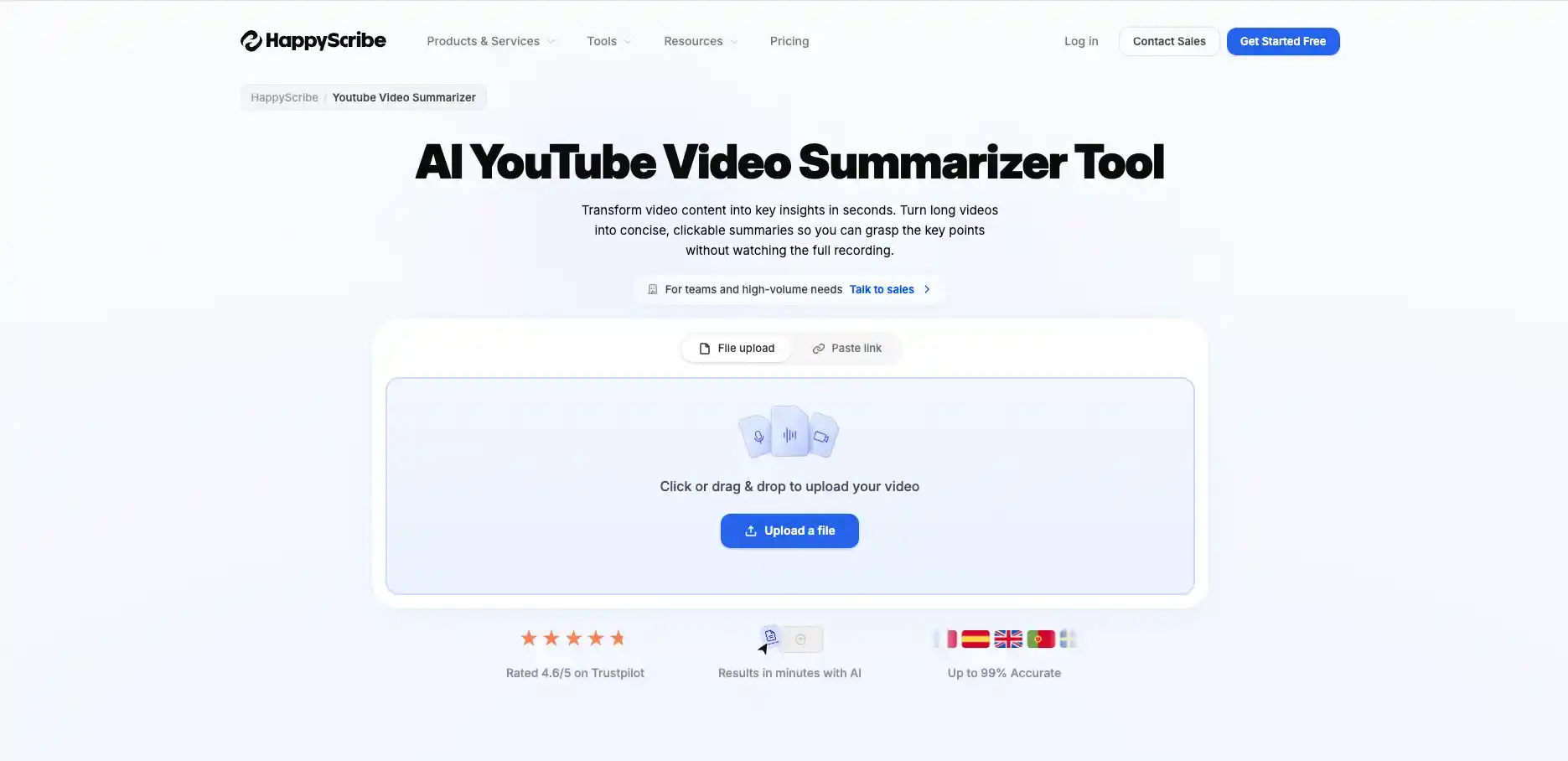
Happy Scribe focuses more on accuracy and privacy protection. It also supports hybrid workflows combining AI and human review, with strong emphasis on security and compliance. Compared to tools that rely entirely on AI, Happy Scribe delivers more accurate and reliable summaries.
Pros:
- Supports more than 20 export formats
- Supports multiple video links and integrations with platforms like YouTube, Vimeo, Dropbox, and Google Drive
- Supports human review, resulting in higher accuracy compared to fully AI-generated summaries
Cons:
- Video processing is relatively slow, taking about twice as long as other tools
- No direct preview of summaries, they are only available after downloading
7.Mindgrasp AI — Best for All-in-One Student Learning Workflow
What Makes It Different:
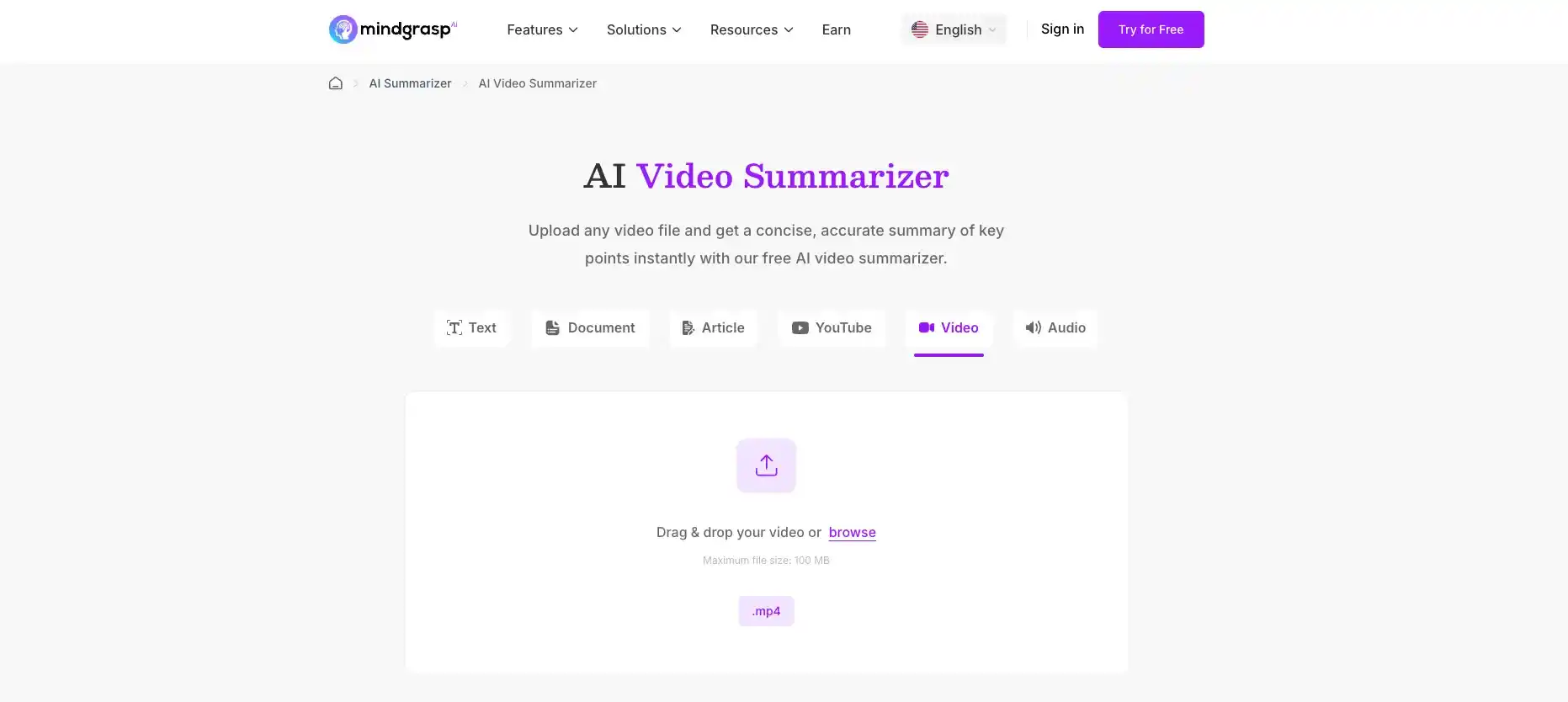
Mindgrasp AI is suitable for a wide range of real-life scenarios, such as meetings, interviews, testimonies, training sessions, and events. It generates personalized summaries based on different types of videos and also handles highly specialized content well. In addition, it integrates with AI note-taking features, focusing not only on summarization but also on how the summarized information is used afterward.
Pros:
- Fast processing speed, with no login required for online use
- Comprehensive and highly accurate summaries across multiple dimensions
- Integrates with tools like AI Notes and AI Tutor for more efficient post-summary information handling
Cons:
- Only copy is supported, with no option to export or download as documents
- No support for customizing or editing summary content
- No timestamps, making it impossible to sync or verify with the original video
8.Video Transcriber AI — Best for Fast Online Video Summarization
What Makes It Different:
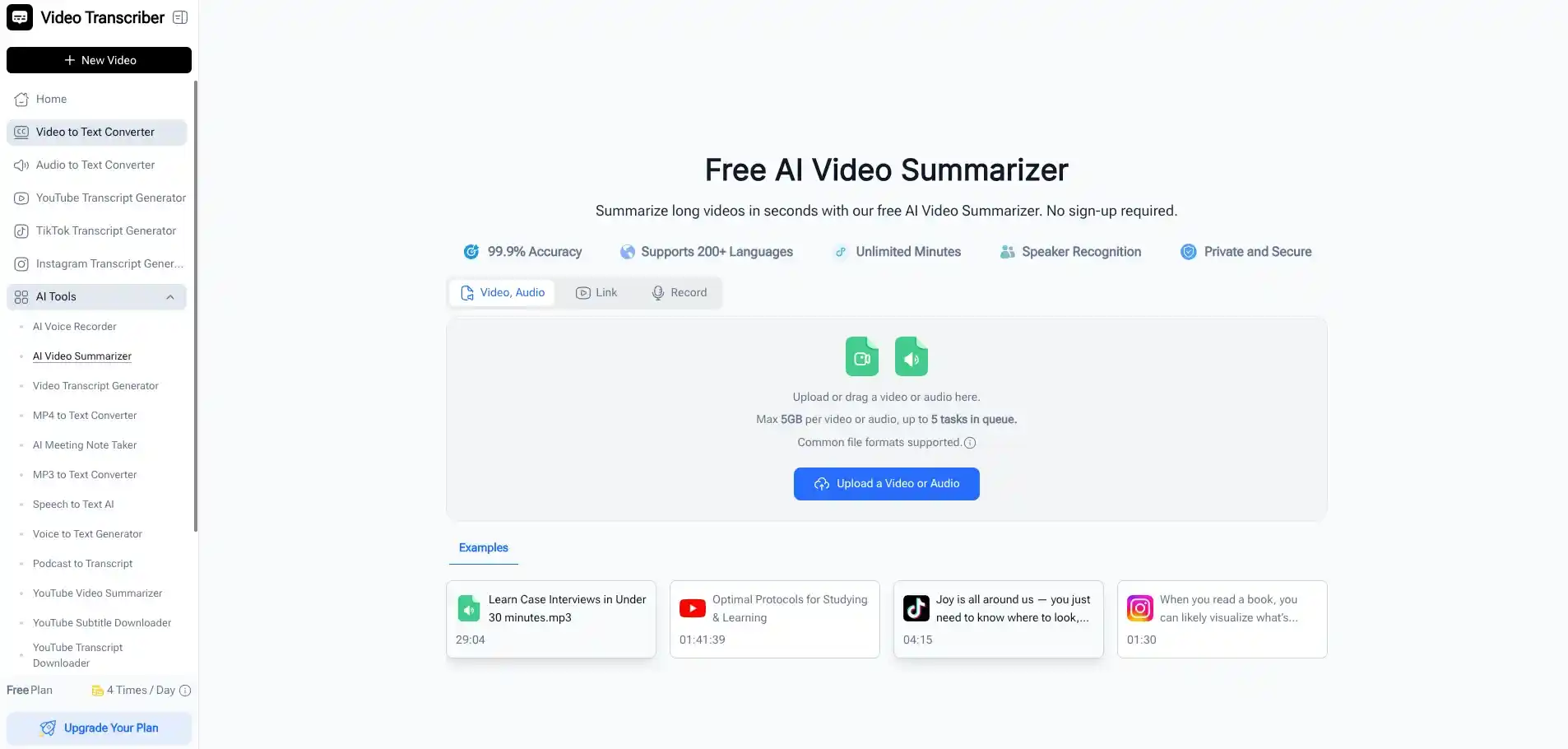
Video Transcriber AI stands out in fast, lightweight video summarization. It requires no login, allowing users to access it directly, and supports a wide range of video types. It is also very easy for new users to get started.
Pros:
- No login required; summarize videos directly online
- Supports videos up to 5GB and can process up to 5 videos at once
- Offers multiple export formats
- Includes a Chrome extension for seamless web access
Cons:
- Free usage is limited for new users
- Lacks support for custom templates, and summaries can contain irrelevant information
9.OpusClip — Best for Clear and Intuitive Summaries
What Makes It Different:
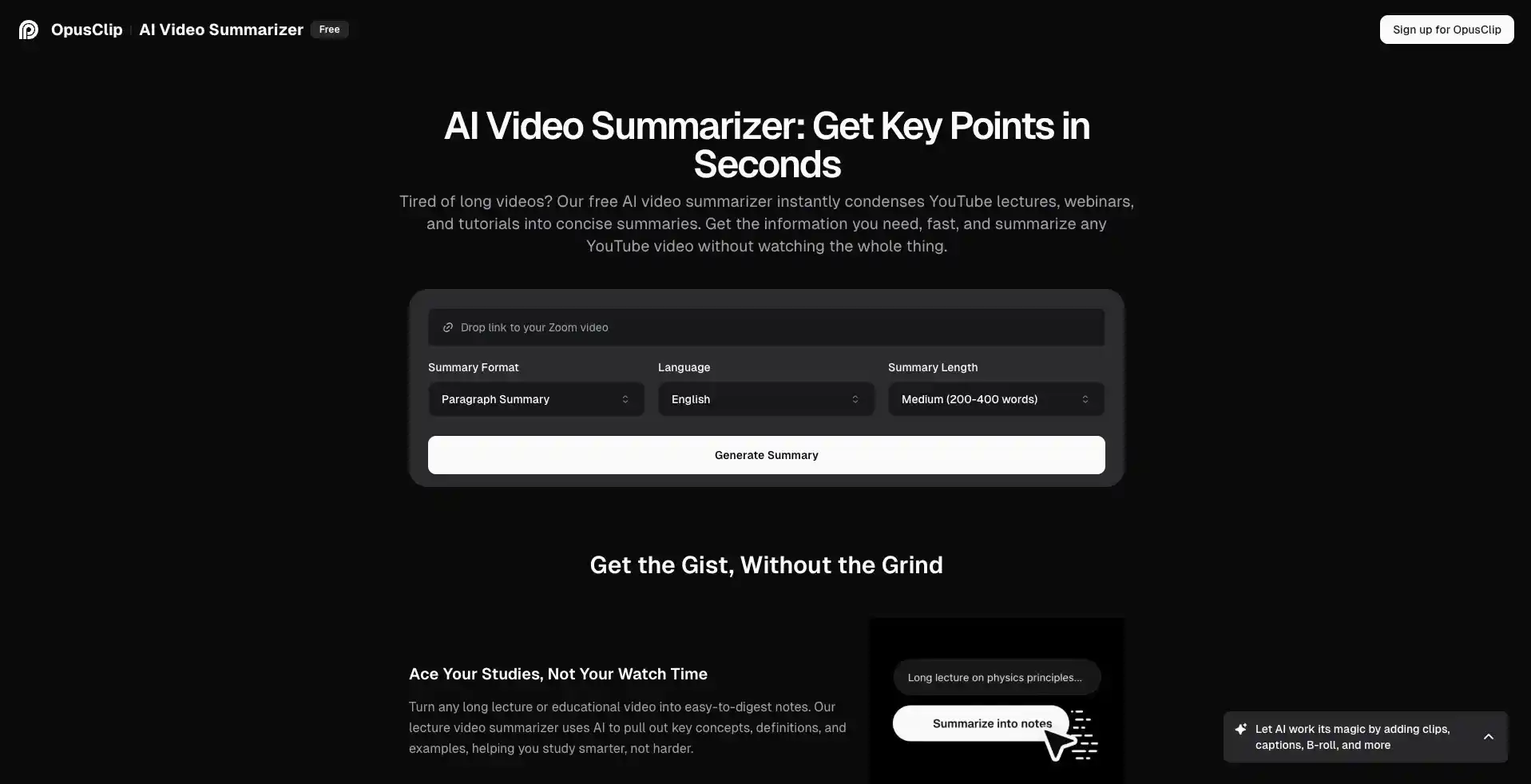
OpusClip summaries don't cover the entire video; they focus only on the parts that matter most to the user. No login is required, delivering concise and to-the-point summaries.
Pros:
- Summaries are accurate and focus on the most essential content
- Integrates with multiple tools to extract key video highlights
- Allows summaries to be customized in length: short, medium, or long
Cons:
- Summaries have minimal formatting, making them look cluttered and less focused on key points
- Offers a limited selection of output languages
- Supports just four summary formats, which may not be suitable for meetings and other professional settings
10. Summary AI — Best for Customizable Summary Length
What Makes It Different:
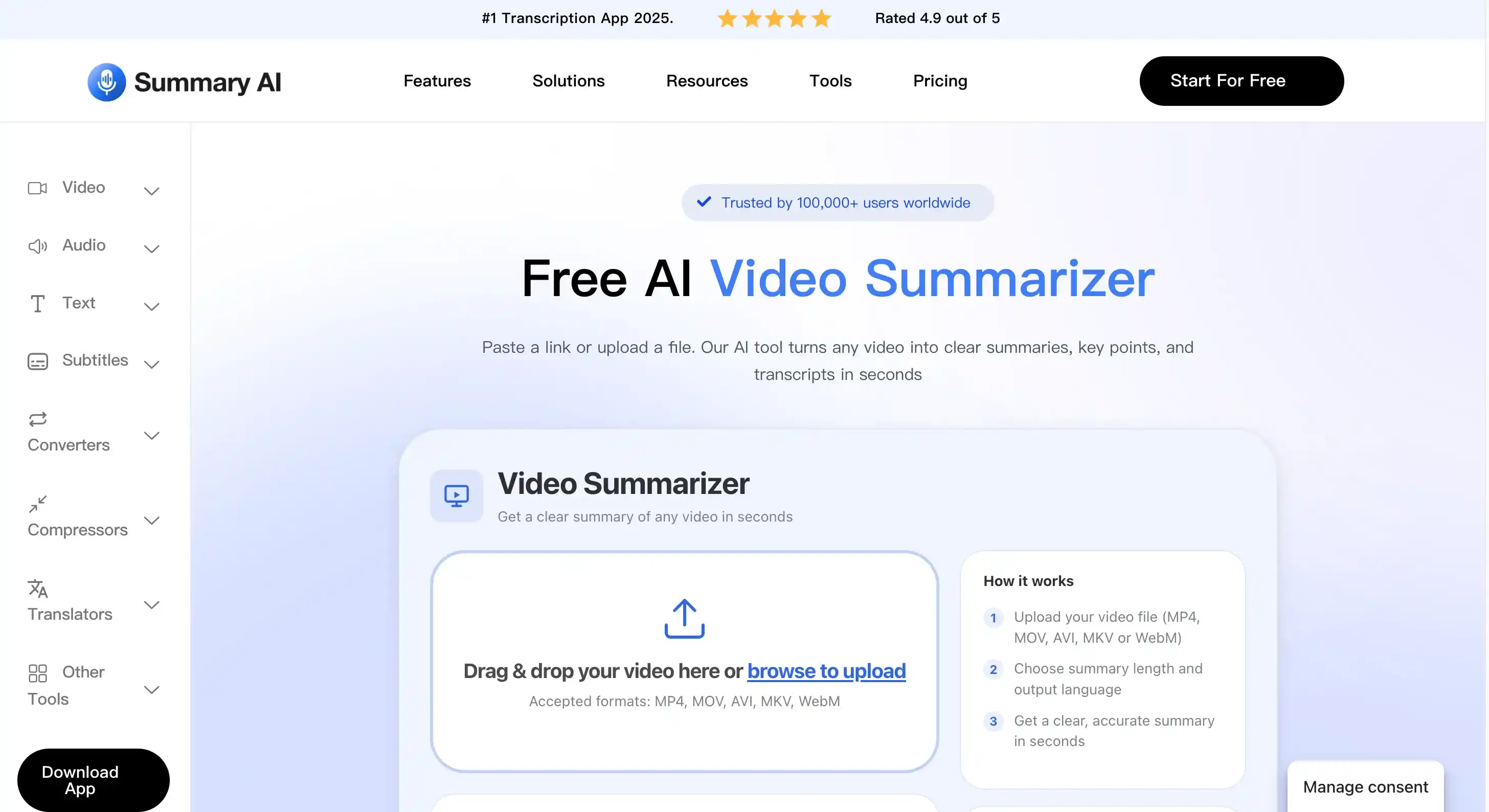
This Summary AI stands out by allowing users to customize the length of their video summaries, from short to medium to long. Unlike many other summarizers, it gives you control over how detailed you want the output to be. In addition to the web version, it also offers a mobile app, so you can create and access summaries conveniently on your smartphone anytime.
Pros:
- Supports uploading videos in multiple formats, such as MP4, MOV, AVI, and MKV
- Allows customization of summary length
Cons:
- Does not support summarizing via pasted links
- Supports summary output in only a limited number of languages
- Supports export in only a single format
- Summaries are unstructured and fail to highlight key points
How to Choose a Suitable AI Video Summary Tools?
Quick Comparison Table Overview
To better choose an AI video summarization tool that fits your work and learning style, you can quickly compare the 10 tools below.
| Tool | Free or not | Supported Input Methods | Export Formats | Speed | Best for |
|---|---|---|---|---|---|
| AI Video Summarizer | 100% free | Links & Files | 5 formats | Fast | 100% Free, No Login AI Summarization |
| NoteGPT | Free trial | Links & Files | Copy only | Fast | Interactive Learning from Video Summaries |
| Wayin Video | Free trial | Links & Files &Chrome extension | 2 formats | Slow | Instant Browser-Based Video Summarization |
| Decopy AI | Free trial | Links & Files | 2 formats | Medium | Simple and Fast Video Summarization |
| Revisely | Free trial | YouTube link only | No download | Medium | Fully Customizable Summary Editor |
| HappyScribe | Free trial | Links & Files | 20+ formats | Slow | Human-AI Verified Video Summaries |
| Mindgrasp AI | Free trial | Links & Files | Copy only | Medium | All-in-One Student Learning Workflow |
| Video Transcriber AI | Free trial | Links & Files &Chrome extension | 5 formats | Fast | Fast Online Video Summarization |
| OpusClip | Free trial | Link only | 4 formats | Medium | Clear and Intuitive Summaries |
| Summary AI | Free trial | Links & Files | 1 formats | Medium | Customizable Summary Length |
For Free and Easy-to-Use Experience
For users who prioritize free, fast, and easy-to-use tools, AI Video Summarizer is undoubtedly the best choice, standing out with 100% free access and no login required. It also supports link uploads from major social media platforms such as YouTube, TikTok, and Instagram. It is suitable for both daily learning and work use cases.
For Seamless Browsing Without Switching Pages
If you prefer summarizing videos directly while browsing without switching between tabs or platforms, then Wayin Video and Video Transcriber AI are good options. Both come with a Chrome extension and let you generate summaries instantly within your browser, making the workflow smoother and more efficient for daily use.
FAQs
Are all these video summary tools free to use?
They all offer limited free usage, but only AI Video Summarizer is fully free. It is 100% free and requires no login.
Can I use these tools to summarize YouTube videos?
If you don't want to switch between webpages, you can install the Chrome extensions for Wayin Video and Video Transcriber AI to get real-time summaries directly. Alternatively, you can also use free tools like AI Video Summarizer by simply pasting a video link to generate a summary.
Is it safe to use these video summarization tools?
Overall, they are generally safe to use. Reputable video summary tools do not store or misuse your data and only collect what is necessary to generate summaries. However, it is still important to review the privacy policy before uploading any sensitive or proprietary video content.
What is the best free AI video summary tools in 2026?
If you are looking for a convenient and accurate summarization tool, AI Video Summarizer is the top choice. It is 100% free, requires no login, and can quickly summarize any type of video online, including social media platforms such as YouTube and Instagram.