
Free AI Video to Text Converter Online
Convert video to text in seconds, just upload or paste a link. Free, fast, and no sign-up required. It can generate summaries, mind maps, and key points automatically.
What Is a Free AI Video to Text Converter?
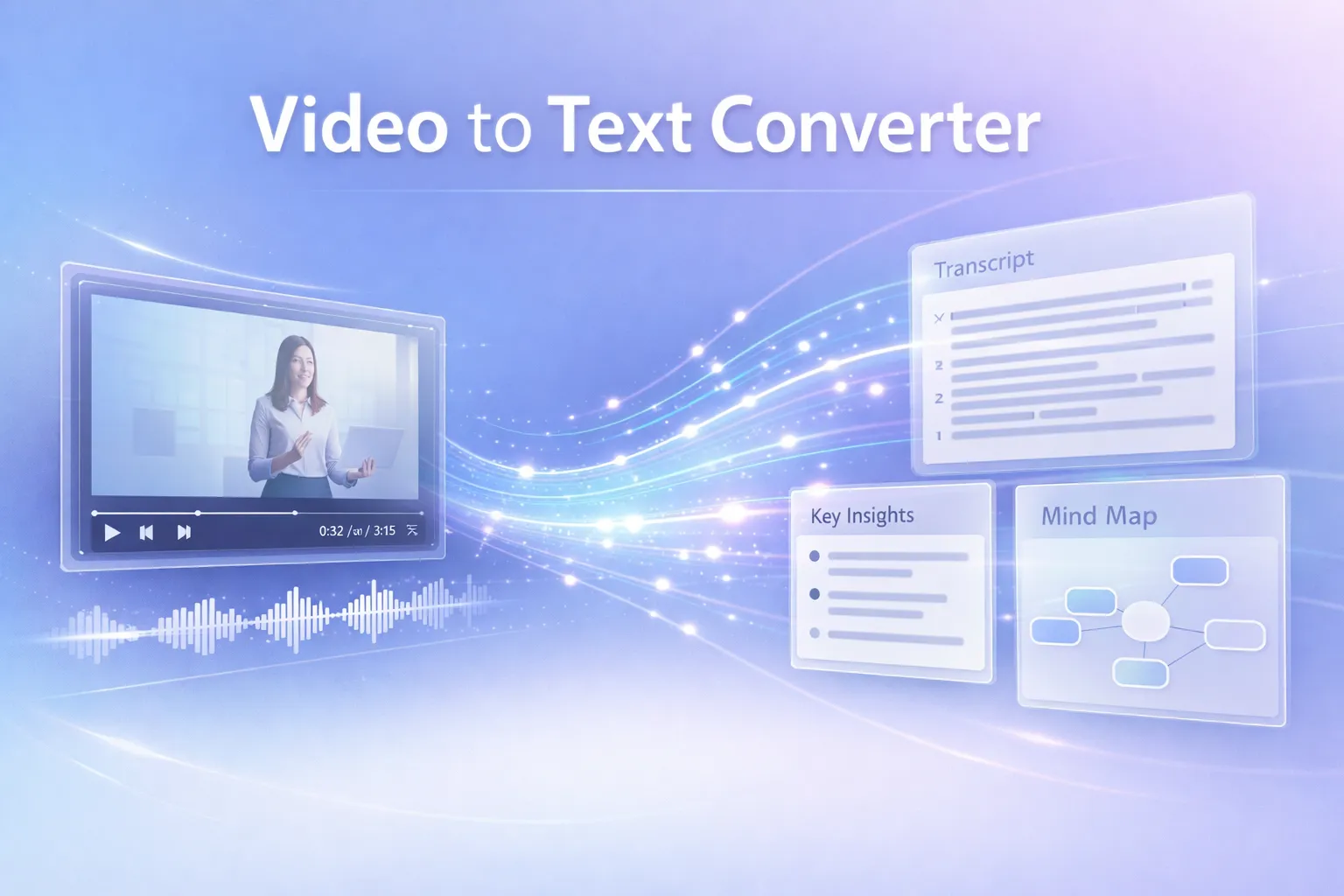
The free AI video to text converter is a dedicated transcription tool under the well-known AI Video Summarizer brand. It can convert videos into text within seconds, just a few clicks to get highly accurate transcripts. It also automatically generates key insights, mind maps, and structured documents with one click.
Try Convert Video to Text NowHow to Convert Video to Text Free?
Convert video to text for free in just 3 steps, no complex process required, just a few clicks and it's done in seconds.
01
Upload a video file or paste a video link
Upload the video you wish to transcribe to the free video to text AI tool, if it is an online video, such as a YouTube video, simply copy the link directly.
02
Click the button to start transcription
Let AI handle the process—no additional steps required. In just a few seconds, it will fully convert your video into text.
03
Download the text content or copy it directly.
Download the transcribed text, you can save it as a TXT, Word, or Markdown file for use in your workflow.
Transcribe the Video to Text Right Now
Save time by skipping the frame by frame video viewing, simply read the transcript to easily understand the video content.
Try Video to Text ToolWhat Are Key Features of The Free Video to Text Converter?
Export & Share Transcripts in Multiple Formats
After converting video to text, easily export your transcripts in various formats such as Word, PDF, SRT, or TXT. You can also share your content instantly via a simple web link for seamless collaboration.
Batch Convert Up to 10 Videos at Once
Save time by transcribing up to 10 videos simultaneously. Upload multiple files in one go and process large workloads efficiently, boosting your productivity with ease.
Generate AI Summaries & Mind Maps in One Click
Quickly extract key insights from long videos. Our video-to-text converter automatically creates concise summaries and structured mind maps to help you understand content faster.
Supports All Major Video Formats
No need for file conversion. Whether it's MP4, MOV, AVI, or MKV, simply drag and drop your video to start transcribing instantly.
Automatic Speaker Identification
Powered by advanced AI voice recognition, the tool automatically detects and labels different speakers, making it easy to track who said what, even in multi-speaker conversations.
Supports 120+ Languages Worldwide
Transcribe and translate videos in over 120 languages, including English, Chinese, Japanese, French, and Spanish—making global content accessible and easy to process.
Hear from Our Video to Text Users
Honestly, as a YouTube creator, I would get more exposure when my videos are indexed. I rely on a video to text tool to convert my videos and extract key points to create descriptions, making it easier for Google to recognize and index them.

David Nguyen
Content Creator
I've tried many transcription tools, but the results were often average, and much of the transcribed content didn't match the original. However, this AI Video Summarizer really impressed me. I can use the transcribed text almost without any edits, and it even helps extract key points, which is incredibly convenient.

Emily Carter
University Student
I usually use this video to text converter to discover useful information from a large number of trending videos on TikTok. By quickly converting video content into text, I can easily filter out valuable insights and trends, saving a lot of time scrolling through videos while making it easier to organize and analyze the content further.

Michael Rodriguez
Business Analyst
Video to Text FAQs
If you have any questions or suggestions about the tools on AI Video Summarizer, please feel free to contact us via email.
You can upload common video formats such as MP4, MOV, and AVI. Our video to text converter supports videos up to 1GB.
Of course! Our tool can easily convert Zoom meetings to text. You can upload either Zoom audio or video files to quickly generate meeting notes.
Yes, our video to text converter supports over 100 languages, allowing you to transcribe videos in any language from any country or region.
Of course! After converting video to text, you can click the "Summarize" feature to choose different templates based on your video content for summarization, and even go further by generating a mind map.
This depends on the quality of the video itself. If the video contains no background noise and the audio is clear, the AI will be able to perform recognition more effectively, thereby generating more accurate results.
Yes, you can freely copy the transcribed text or summaries for repurposing. You can use them for blog posts, social media content, and other publishing needs.
100% secure. We will not share your data with any third parties, fully ensuring the security of your data.
Our video to text converter usually takes only a few seconds to generate a transcript, with no queue required.
Yes, when converting video to text, it also generates timestamps, along with subtitles and chapters, all with accurate time markers.
Yes, our free video to text converter supports speaker detection in conversations and meetings, allowing you to clearly distinguish between different speakers in the transcript.